


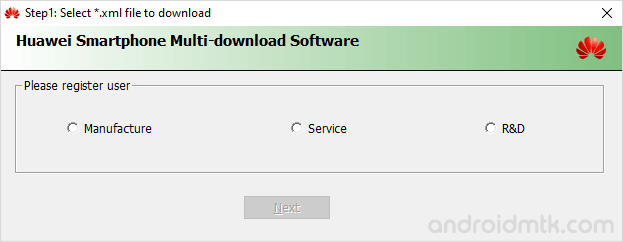
Huawei Smartphone Multi-Download Software is a lightweight Windows application that lets you flash stock firmware (.xml) on your Huawei smartphones, feature phones, and tablets.
Features of Huawei Smartphone Multi-Download Software
Huawei Multi-Download Software offers several powerful features to simplify and speed up the flashing process. Check out the main features below to see how it helps your device.
Portable Application
This utility functions as a portable app, meaning it requires no installation on your Windows PC. Extract the package and launch the tool to begin working immediately.
Flash Firmware
Easily install .xml-based stock firmware on various Huawei mobile devices. Load your firmware file, connect your device, and follow the basic prompts to start the flashing process.
Support Qualcomm Chipset
Multi-Download Software is specifically designed to support Huawei devices powered by Qualcomm chipsets. It quickly detects your connected hardware and prepares the environment for a successful and stable firmware update.
Support XML Firmware
Multi-Download Software natively supports .xml-based configuration files found within official Huawei firmware packages. These files contain essential instructions for correctly mapping and writing data to your device.
Multi-Port Flashing
The interface allows users to manage multiple devices simultaneously through various COM ports. This helps technicians save time by flashing several Huawei units at once using a single computer.
Download Huawei Smartphone Multi-Download Software
Below are the official links to download the tool for Windows (32-bit or 64-bit).
| Version | Link |
|---|---|
| v1.0.0.2 | Link |
Notes
- Compatibility: It is compatible with Windows XP, Windows Vista, Windows 7, Windows 8, Windows 8.1 and Windows 10 (x32 or x64 bit).
- How to Use: If you want to learn to use the tool to flash stock firmware, then head over to How to use Huawei Multi-Download Software page.
- Qualcomm USB Driver: If you are looking for the original Qualcomm USB Driver, then head over to the Qualcomm USB Driver page.
- Credits: Huawei Smartphone Multi-Download Software was created and distributed by Huawei Inc. So, full credit goes to them for sharing the Application for free./li>

