


YGDP Tool is a lightweight Windows application designed to help you flash or install .cpb firmware on various mobile devices, ensuring your smartphone software remains up to date and functional.
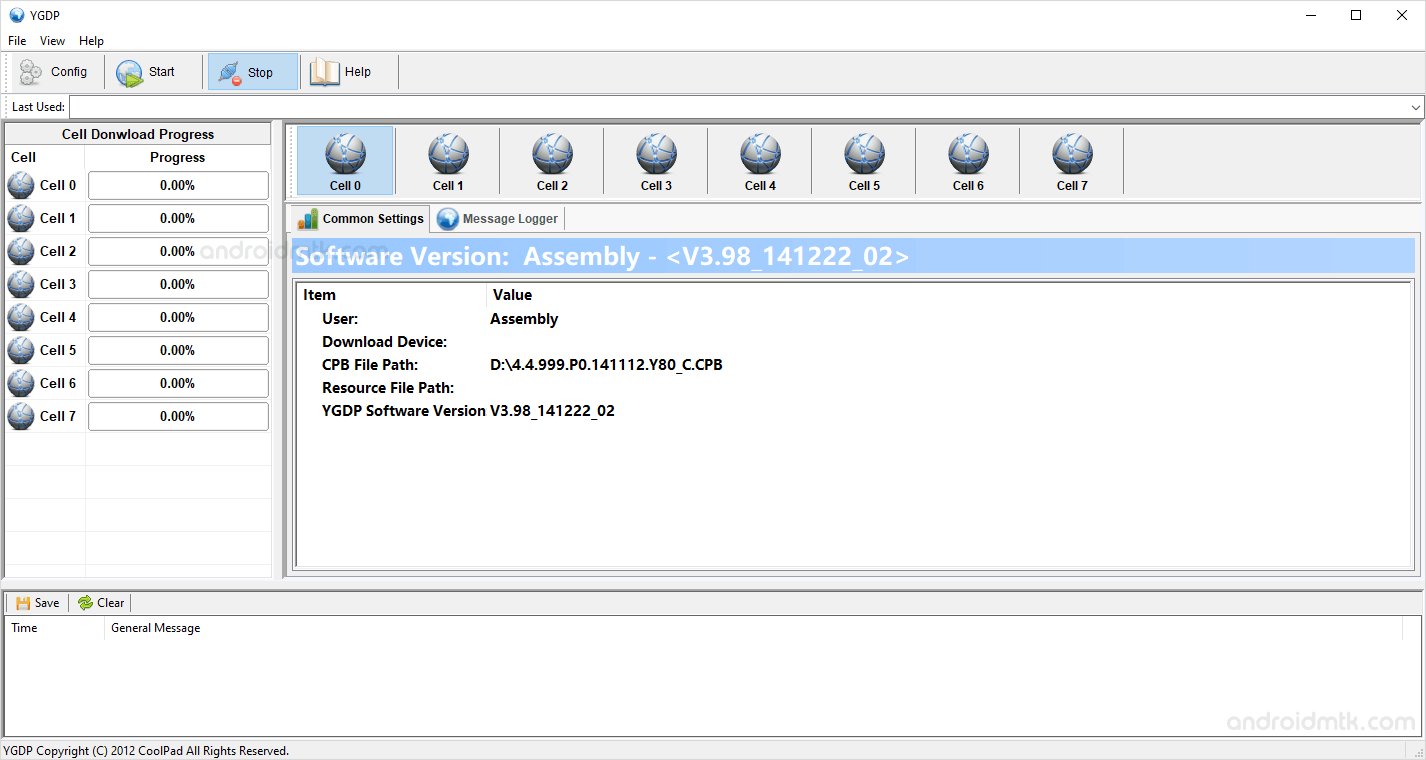
Features of YGDP Tool
Explore the powerful capabilities of this utility that make firmware management simple, fast, and highly effective for both beginners and advanced users looking to repair their mobile devices.
Installer and Portable
This utility offers great flexibility by providing both installer and portable versions. At the same time, some editions require installation, portable versions like v4.06 and v5.00 run instantly without any setup.
Flash Firmware
Easily install .cpb firmware on your mobile devices using this Tool. Launch the application, click the config button, load your specific firmware file, and press start to begin.
Flash Pre-Resource File
This feature allows you to flash .img Pre-Resource files to your device. Navigate to the config section, browse for your image file, and hit start to initiate the process.
Config Control
Gain deep insights into your hardware by checking the device name, eMMC CID, and fuse information. This specialised feature is specifically designed to support and manage various Qualcomm-based mobile devices.
Compatibility Support
The Tool offers extensive support for Windows versions from Windows XP to Windows 11. It works perfectly on both 32-bit and 64-bit architectures for maximum user accessibility.
Download YGDP Tool
The YGDP Tool is compatible with all versions of Windows, from Windows XP to Windows 11 (32-bit or 64-bit). If you are looking for the latest version, use these links:
| Version | Download |
|---|---|
| 2.13 | Link |
| 3.31 | Link |
| 3.83 | Link |
| 3.93 | Link |
| 3.97 | Link |
| 3.98 | Link |
| 4.01 | Link |
| 4.03 | Link |
| 4.06 | Link |
| 5.00 | Link |
Notes
- How to Use: If you want to learn how to use the YGDP Tool to flash or install .cpb Firmware (ROM), then head over to the How to Flash CPB using YGDP Tool page.
- YGDP Password: The default password for the YGDP utility is 369 or 9527. You will need this password to launch the Tool.
- Driver: If you are looking for the USB Driver compatible with the YGDP Application, then head over to the Coolpad Driver page.
- Credits: YGDP Application is created and distributed by Coolpad Group Limited. Full credit goes to them for sharing the Tool for free.

