


iRoot App (APK) is a small one-click root app that allows you to root Android Devices with a Single Tap. It specifically supports devices running Android 2.2-4.3.
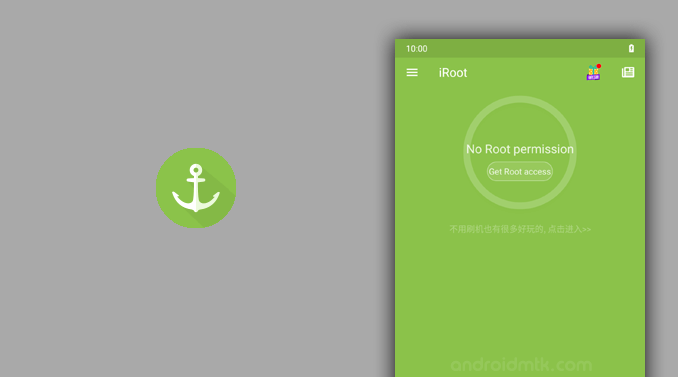
Features of iRoot for Mobile
Explore the key tools and features that make this application a popular choice for users seeking to gain administrative access to their older mobile devices easily.
One-Click Root
The iRoot App lets you root Android devices without a desktop computer. Install the application, launch it, and tap the button to begin.
Internet Required
iRoot requires an active internet connection to successfully root your Android devices. Without a stable data or Wi-Fi connection on your mobile, the rooting process may fail to complete.
App Recommendations
iRoot suggests several third-party Android applications, including UC Browser and Battery Booster. Users can choose to explore these additional utilities once the rooting process is finished on their device.
Device Info
iRoot displays detailed system information, including your brand, model, and Android version. It also tracks your internal storage and RAM usage, which you can view via the main menu.
High Compatibility
The iRoot application is designed to work with thousands of different legacy Android models. It provides a high success rate for older smartphones and tablets running versions up to Jelly Bean.
Download iRoot App (APK) for Android
The following links provide access to the APK for Android Devices.
| Version | Download |
|---|---|
| v1.0.9 | Link |
| v2.0.7 | Link |
| v2.1.0 | Link |
| v2.1.4 | Link |
| v2.1.6 | Link |
| v2.2.0 | Link |
| v2.2.2 | Link |
| v2.2.4 | Link |
| v2.2.6 | Link |
| v3.0.3 | Link |
| v3.0.4 | Link |
| v3.0.6 | Link |
| v3.1.0 | Link |
| v3.1.1 | Link |
| v3.2.2 | Link |
| v3.2.3 | Link |
| v3.2.4 | Link |
| v3.4.5 | Link |
| v3.5.1 | Link |
Notes
- iRoot is Discontinued: iRoot is now officially discontinued by the developer (Shenzhen), meaning it won’t receive any further updates.
- iRoot for Computer: iRoot Application for Windows Computer is more potent than the Mobile App. If you wish, you can get the iRoot Application for Windows from here.
- Alternative Apps: If you are looking for an alternative Root App, then don’t forget to check out our One-Click Root App Section.
- Credits: iRoot is created and distributed by Shenzhen (Developer), so full credit goes to them for sharing the App for free.

