


Broadcom MultiDownloader is a lightweight Windows utility designed to flash or install Stock Firmware on mobile devices powered by Broadcom chipsets, keeping your hardware up to date and functional.
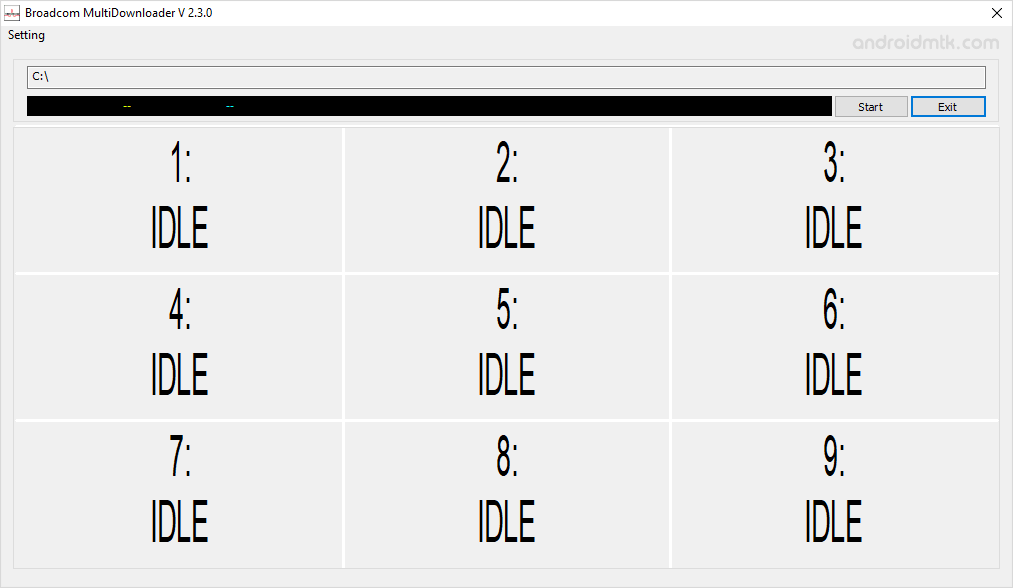
Features of Broadcom MultiDownloader
Check out these powerful features that make managing your Broadcom device easy. The MultiDownloader is simple, fast, and does not require any technical expertise to operate on Windows.
Portable Application
The MultiDownloader is entirely portable, meaning no installation is required on your PC. Extract the downloaded package and run the executable to begin flashing immediately.
Flash Stock Firmware
Easily install official stock firmware on any Broadcom-powered device. Once you have the correct firmware files, load them into the interface, then click Start to initiate the update.
Manual Port Assignment
Gain full control by manually selecting specific USB ports on your computer. This feature is perfect for identifying unique hardware IDs and ensuring a stable connection during the data transfer.
Reset or Auto Close
Automatically wipe user data after a successful flash to ensure a clean start. You can also enable the auto-close option to power down the device once disconnected from USB.
Broadcom Chipset Support
MultiDownloader is specifically optimized to recognize and interact with a wide range of Broadcom processors. It provides the necessary environment to communicate safely with the internal device storage.
Broadcom MultiDownloader Links
The following links provide the tool for Windows (32-bit or 64-bit).
| Version | Download |
|---|---|
| v1.3.0 | Link |
| v1.4.1 | Link |
| v1.4.5 | Link |
| v2.1.0 | Link |
| v2.3.0 | Link |
Notes
- How to Use: If you want to learn to use Broadcom Multi Downloader to flash or install the firmware, then head over to the How to use Broadcom Multi Downloader page.
- Broadcom USB Driver: If you are looking for the original Broadcom Driver, then head over to Broadcom Driver page.
- Caution: Flashing or installing firmware using the MultiDownloader will wipe the data from the device. Therefore, we recommend backing up your data before using the tool.
- Credits: Broadcom MultiDownloader is created and distributed by Broadcom Corporation. So, full credit goes to them for sharing the tool for free.

