


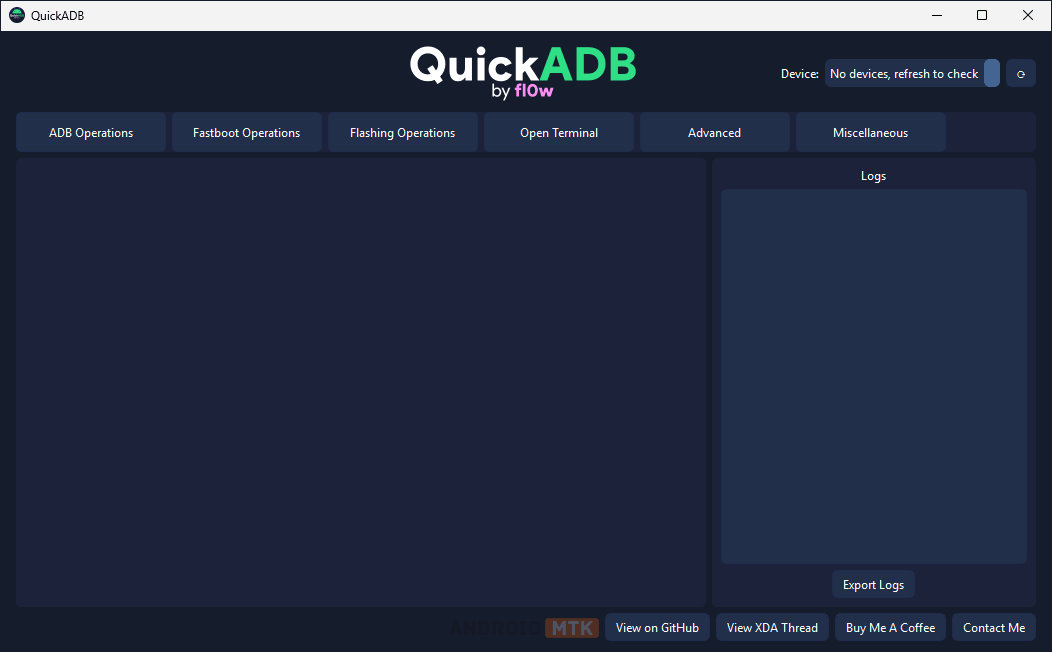
QuickADB is a powerful GUI wrapper for ADB and Fastboot, built for Android developers and power users. It eliminates the need to type complex commands manually by providing one-click access to the most common ADB and Fastboot operations while keeping advanced tools available for experienced users.
Features of QuickADB
QuickADB provides a clean and efficient interface that simplifies ADB and Fastboot workflows. Exploring each feature will help you understand its function and benefits.
ADB Commands
QuickADB lets users run the most common ADB commands with a single click. This includes reboot options, wireless ADB pairing via QR code or pairing code, APK sideloading, and many other frequently used operations.
Fastboot Commands
It offers one-click access to popular Fastboot commands such as reboot options, fetching device variables, flashing recovery or boot images, and other essential fastboot operations.
Terminal
It includes a custom-built terminal with autocomplete support. Users can search for keywords in the output, export logs to a .txt file, kill running processes, drag-and-drop files, and navigate command history using arrow keys.
ADB App Manager
The built-in App Manager lets you browse all installed applications on your device. You can uninstall, disable, view app details, modify permissions, backup and restore APKs, and even apply custom debloat presets.
ADB File Explorer
The ADB File Explorer lets you browse the entire device’s filesystem. Create, rename, delete, copy, paste, pull, and push files; manage chmod permissions; preview images; edit text files; execute shell scripts; and handle root directories with ease.
GSI Flasher
QuickADB’s GSI Flasher automatically detects the device state and flashes a GSI ROM with minimal user input. It can remove unneeded dynamic partitions on demand without requiring any manual commands.
Partition Manager
Users can view all device partitions, create backups, and flash partition images directly while the device is powered on (requires root access).
Super.img Dumper
The integrated Super.img Dumper allows you to extract individual partitions from a super.img file quickly and easily, powered by the unsuper tool.
Payload.bin Dumper
QuickADB includes a Payload.bin Dumper that lets you extract individual partitions from payload.bin files, powered by ssut’s payload-dumper-go.
Device Specifications
Get a quick overview of your device with detailed specifications, including RAM, storage, Android version, root method, and more, all displayed at a glance.
Boot Animation Creator
It lets you view, backup, and modify your device’s boot animation. You can create a new boot animation from a GIF or video, flash it directly, or package it as a Magisk module.
Download the QuickADB Tool
The following links let you download the latest Version of QuickADB for Windows, Linux, and macOS.
| Version | Windows | Linux | Mac |
|---|---|---|---|
| 4.0.0 | Link | Link | Link |
| 4.0.1 | Link | Link | Link |
| 4.0.2 | Link | Link | Link |
| 4.1.0 | Link | Link | Link |
| 5.0.0 | Link | Link | Link |
| 5.1.0 | Link | Link | Link |
| 5.2.0 | Link | Link | Link |
Notes
- ADB & Fastboot Drivers: Make sure you have the latest USB drivers installed for your device. You can download them from the official device manufacturer or use universal ADB drivers.
- USB Debugging: For most ADB features to work, USB Debugging must be enabled in Developer Options on your Android device.
- Credits: QuickADB is developed by codefl0w, so full credit goes to him for sharing the tool for free.

